This article is a deep-dive from JudyAI Lab — an AI engineering playbook series with 100+ published guides, 5,000+ weekly readers across 60+ countries, focused on the practical side of running AI agents, trading systems, and content pipelines in production.
TL;DR: OKX Agent Trade Kit’s One-Click Connect solves the most painful authentication problem in AI agent exchange integration. Drawing from our hands-on experience across two hackathons, this post is a candid record of the technical pitfalls we hit — and why “AI is a tool, not a crutch” matters more than ever in live trading.
API key management. Anyone who has ever built an AI trading agent has suffered through it.
You have to go into the exchange backend, create a key, configure an IP whitelist, select permission scopes, save the key somewhere safe (because you only see it once), and then stuff it into a config file — all while praying you do not mix up the Demo and Live keys across environments. That whole sequence is enough to make a lot of people quit before they even write a single line of trading logic.
OKX’s One-Click Connect, released as part of Agent Trade Kit in May 2026, compresses that process to nearly zero friction.
What Is OKX Agent Trade Kit One-Click Connect
Agent Trade Kit is OKX’s integration toolkit designed for AI agents. One-Click Connect is its newly released authorization mechanism.
The traditional approach: developer manually logs into the exchange backend, creates an API key, sets an IP whitelist and permissions, copies the secret, pastes it into a config file. There are multiple failure points, and if a key leaks the consequences are serious.
The One-Click Connect approach: AI agent initiates a connection request, user completes OKX login in a browser, selects an authorization scope, done. No manual handling of any secret string.
Three Permission Scopes, Each Independent
Authorization comes in three scopes that can be combined freely:
- Read: query account balance, positions, order history, market data
- Trade: place orders, cancel orders, adjust positions
- Earn: manage flexible and fixed-term savings products
If your agent only needs to do market analysis and report positions, Read alone is enough. Permissions you do not need simply do not get granted — the principle of least privilege becomes genuinely intuitive to apply here.
7-Day Auto-Expiry
Unused authorizations expire automatically after 7 days. This matters: a lot of people forget to revoke old authorizations after testing, and auto-expiry significantly reduces the risk of long-term exposure.
All authorized agents can be managed and revoked from the “Third-Party Authorization Management” page in the OKX backend — no need to dig through an API key list.
Features Available Now
The current Agent Trade Kit integration covers: market screening, open interest (OI) analysis, sentiment radar, smart money signals, and intelligent savings. Together, these tools cover essentially everything a quant trading agent needs on the information input side.
Why This Matters for AI Agent Developers
I can explain with firsthand experience.
During the ERC-8004 hackathon on LabLab.ai this March, we burned a significant chunk of time just handling API authentication issues. Demo and Live environment keys had to be managed separately, different trading pairs had subtle differences in API endpoint behavior, and the hackathon rules required that “only orders placed through Agent Trade Kit count toward the leaderboard” — which meant our entire order execution layer had to be rewritten from scratch.
On April 13th, we migrated our ccxt-based trade execution layer entirely to OKX Agent Trade Kit CLI. The migration itself was not hard, but we hit a few pitfalls along the way that a mechanism like One-Click Connect is specifically designed to prevent: explicit permission scopes, a single unified configuration entry point, no need to manually move secret strings around.
Our Hackathon Run: LabLab.ai ERC-8004 — 1st Place
From March 31 to April 10, 2026, we spent 11 days in LabLab.ai’s “AI Trading Agents with ERC-8004” hackathon — and took first place.
Three Strategies x Six Market Regimes = 36-Cell Matrix
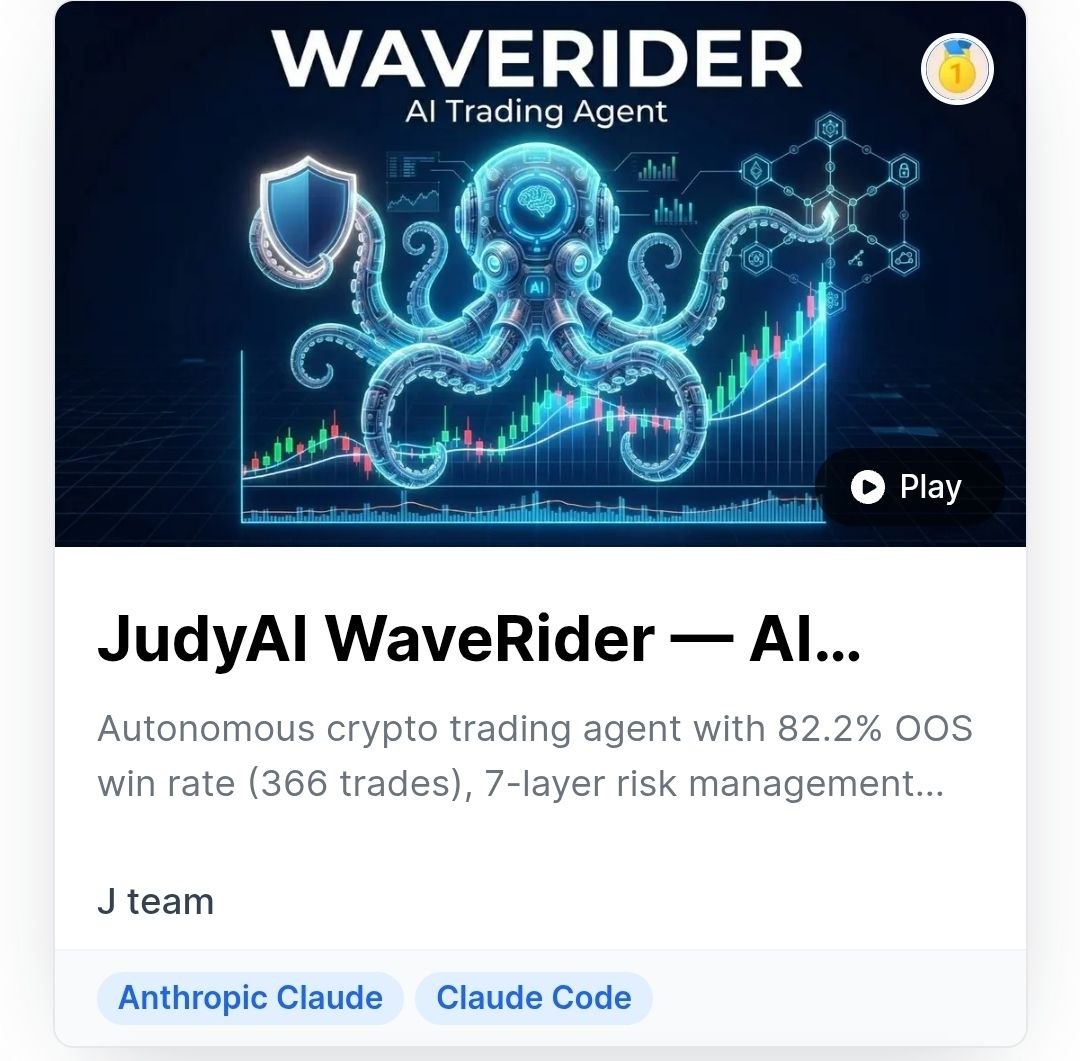
WaveRider runs three complementary strategies: WaveRider core (EMA + RSI + volume confirmation), BB Squeeze (Bollinger Band compression breakout), and MACD Divergence. The three strategies map to trending, breakout, and mean-reversion market conditions respectively.
We used ADX, Bollinger Band width, and EMA convergence to detect market regime, classifying it into six types. Combined with six trading pairs, this produces a 36-cell strategy matrix. Each cell carries individually tuned parameters validated through Walk-Forward Optimization (WFO), with an out-of-sample win rate of 82.2%.
Seven Risk Layers, Maximum Drawdown of 0.4%
On a simulated $100,000 portfolio, the maximum drawdown was only 0.4%. That number was not the result of having a strong strategy — it came from strictly enforcing seven layers of risk control:
- Single position size cap (maximum 5%)
- Daily loss limit (3% triggers a hard stop)
- Maximum drawdown protection (10% triggers full exit)
- Global consecutive-loss pause mechanism
- Position size reduction on losing streaks (down to 50% of normal)
- Per-pair cooldown (two consecutive losses on the same pair triggers a three-scan cooldown)
- Partial take-profit (TP1 at 1.5:1 closes 25%, TP2 at 3.0:1 closes another 25%, remainder managed with trailing stop)
The Timeout Incident That Taught Us the Most Important Lesson
During scan number 92 of the hackathon, something happened: three AI providers we had integrated — covering market analysis, signal confirmation, and other steps — all timed out simultaneously.
The entire AI analysis pipeline went down.
At that point, the rule engine took over: it kept running, kept generating signals based on technical indicators, kept enforcing risk controls. No crash, no erratic orders, no downtime.
That incident turned “AI is a tool, not a crutch” from a slogan into an actual design principle. Any trading system that relies on AI analysis must have a rule engine underneath it that does not depend on AI at all.
Currently Running: OKX OnchainOS Competition
On May 8th, we signed up for OKX’s Agentic Wallet Trading Competition (OnchainOS). The competition runs from May 8th to May 21st with a $50,000 prize pool.
This competition is on-chain DEX trading — completely different from a CEX environment. We are using the onchainos CLI as an MCP server, with over 15 tool capabilities available, including dex-signal, dex-market, dex-swap, security scanning, token analysis, and trenches memecoin screening.
Five-Strategy Allocation
- Smart money copy trading (30%): tracking real on-chain whale entry behavior
- Volume momentum breakout (25%): abnormal volume spikes paired with directional confirmation
- Multi-timeframe trend (25%): multi-period alignment before entry to reduce false breakout rate
- Cross-DEX arbitrage (15%): spread opportunities with the highest execution speed requirements
- Filtered memecoin sniping (5%): small capital allocation for high-risk, high-reward opportunities
Risk per trade is capped at 2%, total capital is $500. The design — strict risk standards on a small capital base to validate strategy effectiveness — follows the same philosophy as our previous hackathon.
Quick Start: Connect OKX Agent Trade Kit in 5 Minutes
If you want to try it yourself, here is the shortest path.
Step 1: Install the CLI
| |
Run okx --version to confirm.
Step 2: Configure your account
Create ~/.okx/config.toml with your API credentials. Start with Demo mode for testing:
| |
Important: keep all config in this one file. Do not mix environment variables with config.toml — it causes conflicts.
Step 3: One-Click Connect authorization
If using One-Click Connect (no manual API Key needed):
- Initiate a connection request from your AI Agent
- Your browser opens the OKX login page
- Log in and select the permission scope (Read / Trade / Earn)
- Done. No secret strings to copy-paste
Step 4: Test the connection
Use the market module to verify:
| |
If you see a live price, you are connected.
Step 5: Place your first test trade
Place a small market order in Demo mode:
| |
Once the order confirms, your Agent Trade Kit is wired up. From here, wrap these commands into your AI Agent’s execution loop.
Real Integration Pitfalls from Agent Trade Kit
Migrating from ccxt to Agent Trade Kit was smooth overall, but a few things are worth flagging so you do not have to hit them yourself.
Problem 1: Config Conflict Between Demo and Live Mode
Demo and Live mode use different connection endpoints. If you manage settings with both environment variables and config.toml simultaneously, you will run into situations where you clearly changed the environment variable but the system still connects to the old endpoint.
The fix: use config.toml as the single source of truth for all settings. Do not mix in environment variables. When switching environments, swap the config.toml file — do not maintain settings in two places at once.
Problem 2: CLI Stdout Polluted by Update Notices
Certain versions of the Agent Trade Kit CLI print update notices alongside command output — things like “A new version is available.” When that text gets mixed into the JSON response, your JSON parser will throw an error.
The fix: filter out non-JSON lines before parsing the response. Find the first line that starts with { or [ and begin parsing there, ignoring everything before it.
Problem 3: No Circuit Breaker Protection
When CLI calls fail without a circuit breaker, the agent will keep retrying indefinitely — wasting resources and, in volatile market conditions, potentially causing duplicate orders or inconsistent order state.
We added our own circuit breaker: five consecutive failures trigger a 5-minute cooldown. During the cooldown, no new requests are sent; once it expires, the connection is re-initialized. This mechanism intercepted multiple issues in production before they could escalate.
Bonus: Contract Size Correction for Some Pairs
Pairs like DOGE and BNB have contract sizes that differ from most major coins. Calculating order quantity without accounting for this will produce position sizes that are off. The recommended approach is to read the exchange’s contract specs at system startup and bake the contract size correction into the order logic — do not hardcode it.
From API Key Hell to One-Click Authorization: The Bar for AI Agent Trading Is Coming Down
Looking back across our entire agent trading development journey, authentication and authorization management has always been an invisible time sink. It is not the most glamorous technical problem, but every time something goes wrong it blocks the entire development rhythm.
OKX Agent Trade Kit’s One-Click Connect brings the friction in that step down to nearly nothing. More importantly, its design philosophy is clear: the authorization relationship between an AI agent and a user should be transparent, revocable, and auto-expiring. Compared to the static key model of traditional API keys, this is a step in the right direction on the security architecture front.
But tooling is just the foundation. The most important thing we took away from two hackathons is not which SDK is easiest to use. It is this:
AI analysis makes strategies smarter. But what keeps a system running reliably is always a predictable rule engine and strict risk controls.
One-Click Connect solves the “how do I connect” problem. “What do I do once I’m connected” still requires solid engineering practice to answer.
If you are researching AI agent trading, or thinking about wiring some AI workflow into a real exchange account, the barrier to entry is lower now than it has ever been. But lower barrier does not mean lower risk — getting your risk controls right is always the first thing.
Want to try Agent Trade Kit? You can start by registering an OKX account and experience AI agent trading with One-Click Connect.